Pinch Calls for iPhone
Translate phone calls in real time
Call any phone number from your iPhone. You speak your language and the person you call hears theirs. They answer a normal phone call and don’t need the app.
Free to download · iOS 15.1 or later
How to translate a phone call
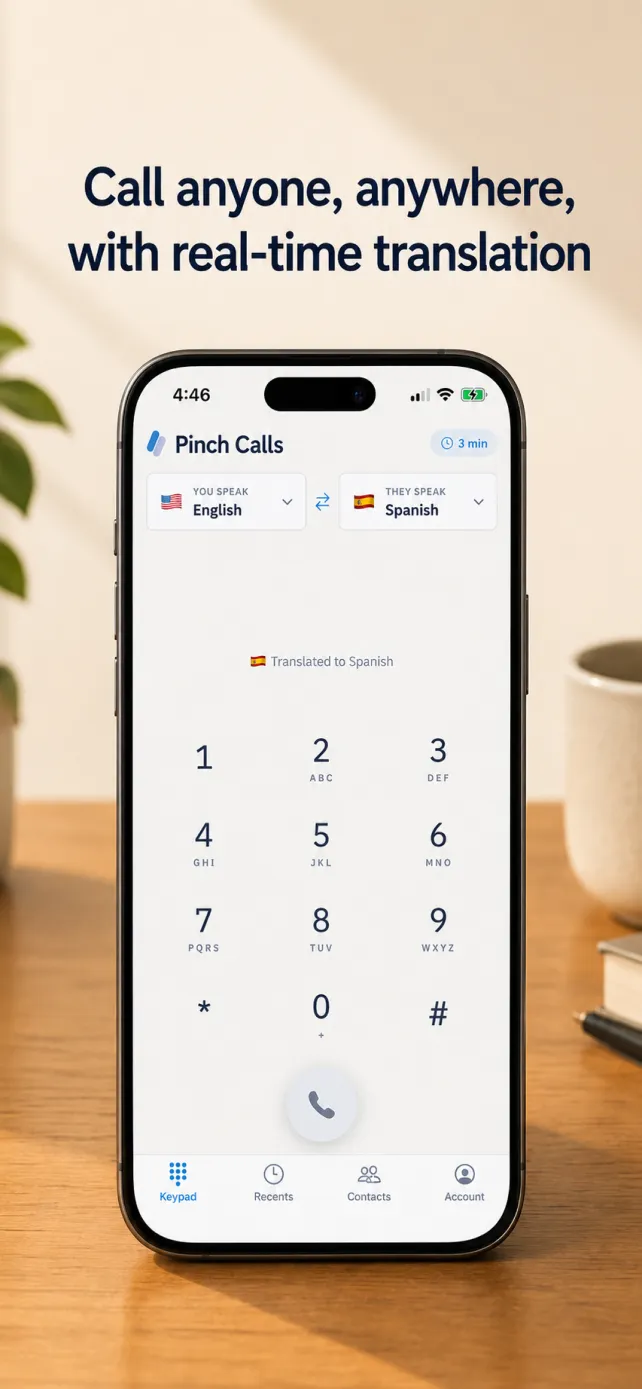
Pick both languages
Choose the language you speak and the language the other person speaks.
Dial any number
Type or paste a number, or tap a contact. Landlines and mobiles both work.
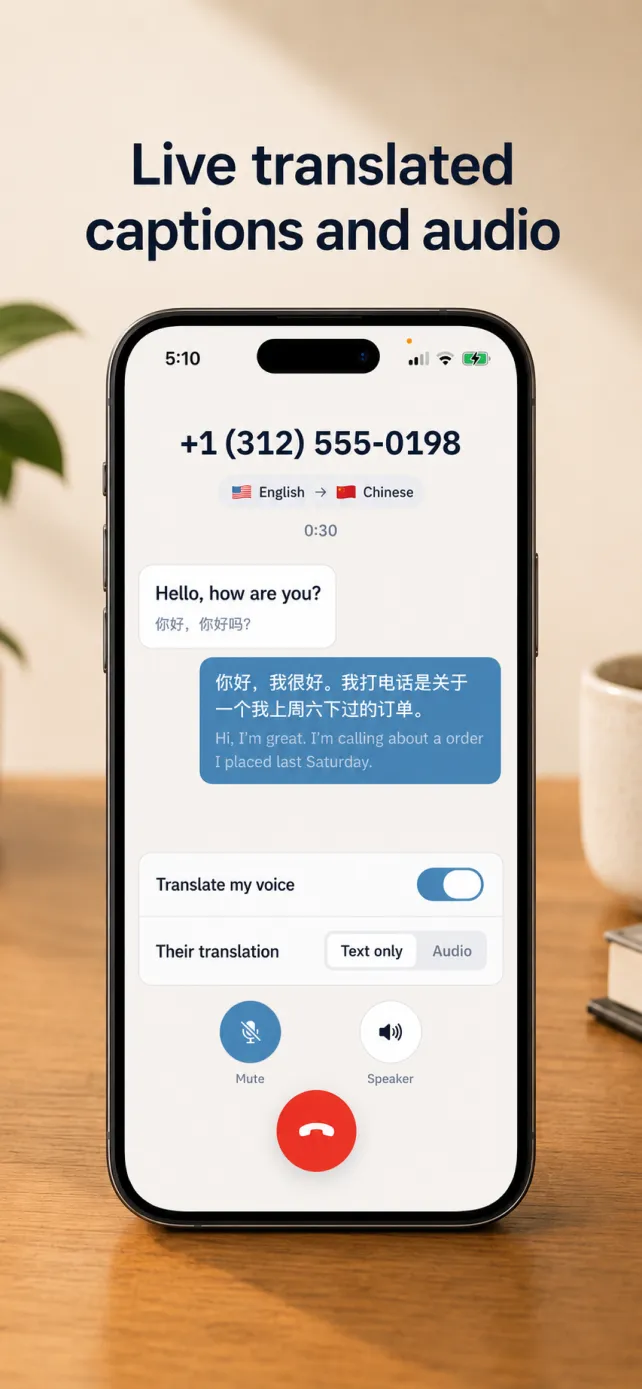
Talk
They hear you in their language on an ordinary phone call. You read what they say, translated, as they say it.
The person you call doesn’t need the app
Pinch Calls places a real phone call. The other person picks up on any phone, mobile or landline, and hears you speaking their language.
Live translated captions
Both sides of the call appear as text while you talk, each line translated with the original underneath.
Read their translation or hear it
Switch their side between text only and audio at any point during the call.
Call your contacts
Tap a name to call it. Contacts are read on your phone and are never uploaded.
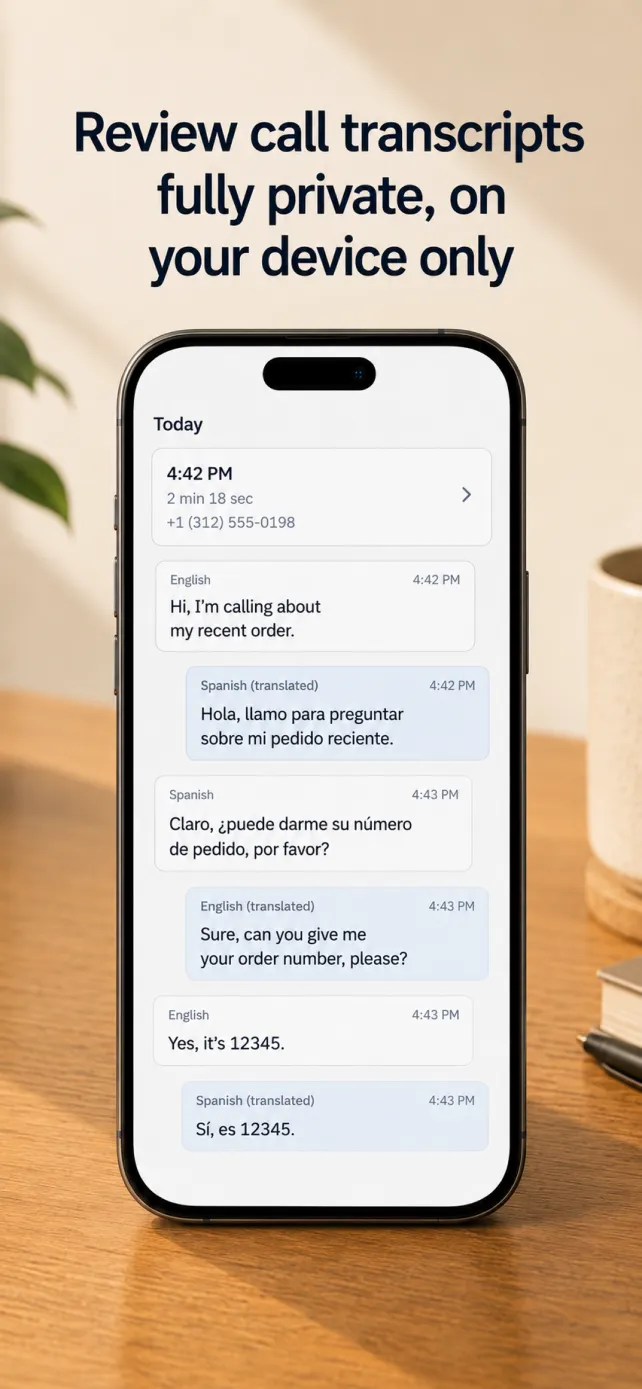
Transcripts stay on your phone
Each call is saved on your device so you can check what was said. Delete any of them whenever you like.
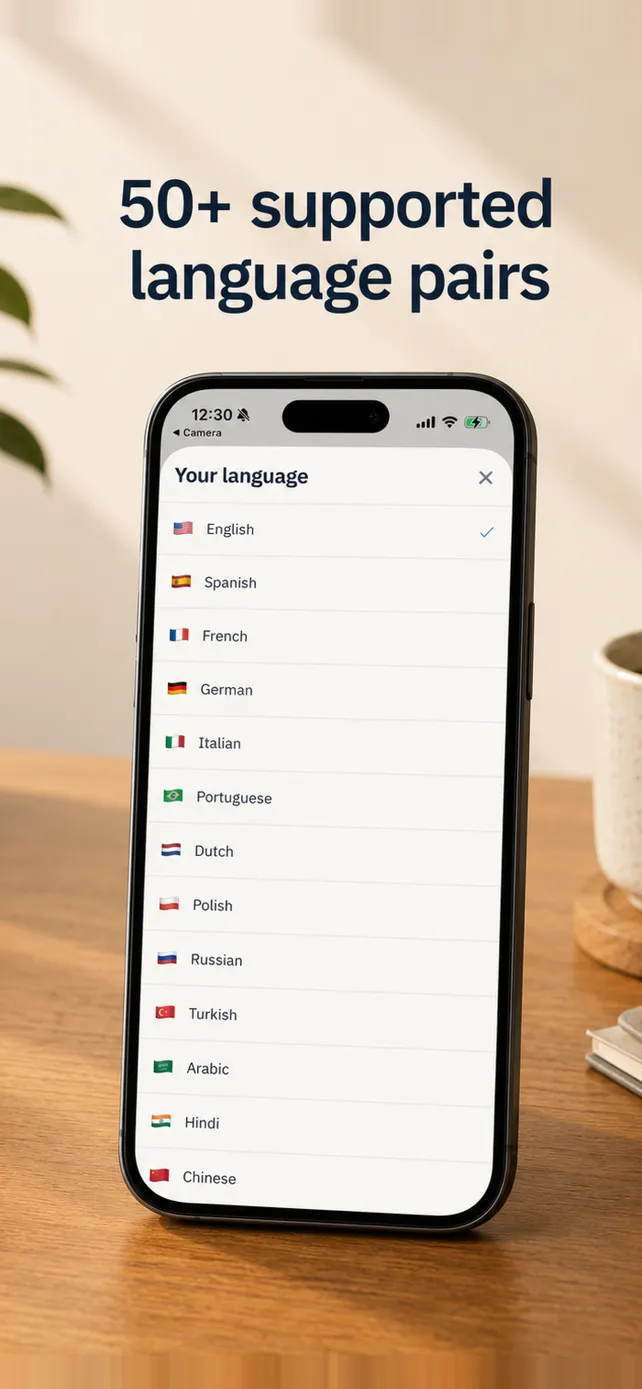
Call in 15 languages
Translate between any two of them, in either direction.
- English
- Spanish
- French
- German
- Italian
- Portuguese
- Dutch
- Polish
- Russian
- Turkish
- Arabic
- Hindi
- Chinese
- Vietnamese
- Ukrainian
The person you call is told the call is translated
When they answer, they hear a short notice that the call is being translated by Pinch, in their language for most supported languages and in English otherwise.
Pinch uses call audio only to produce the live translation and transcript, and does not sell it. Transcripts are saved only on your phone. Details are in the privacy policy.
Pinch Calls cannot call emergency services. Use your phone’s Phone app for those.
Frequently asked questions
Can I translate a phone call in real time?
Yes. Pinch Calls places a phone call from your iPhone and translates both sides while you talk. You read a live translated transcript, and the person you call hears what you say spoken in their language.
Does the other person need the app?
No. The person you call answers an ordinary phone call on any phone. Only you need Pinch Calls.
Which languages does Pinch Calls support?
Pinch Calls translates between English, Spanish, French, German, Italian, Portuguese, Dutch, Polish, Russian, Turkish, Arabic, Hindi, Chinese, Vietnamese and Ukrainian. You choose the language you speak and the language they speak before each call.
Can I call landlines with Pinch Calls?
Yes. Pinch Calls dials real phone numbers, so you can call landlines as well as mobiles. It cannot call emergency services; use your phone’s Phone app for those.
Does the person I call know the call is translated?
Yes. When they answer, they hear a short spoken notice that the call is being translated by Pinch, in their language for most supported languages and in English otherwise.
Can I hear the other person’s translation, or only read it?
Both. Their words always appear as translated captions, and you can switch their translation from text only to audio during the call. You can also turn off translation of your own voice.
Are my calls private?
Pinch uses call audio only to produce the live translation and transcript, and does not sell it. Call transcripts are saved only on your phone, and you can delete them at any time.
What do I need to use Pinch Calls?
An iPhone running iOS 15.1 or later and a Pinch account. Pinch Calls is free to download from the App Store. The free plan includes translated minutes every day, and paid plans add more.
Make your first translated call
For meetings, see Sidecar. For other apps on a Mac, see Pinch Desktop.